Google Crawling vs Indexing: What’s the Difference?
Google Crawling, Google Indexing, Googlebot, SEO, Website Indexing, Search Console, Technical SEO
Google crawling and indexing
When you run a website getting a page to appear in Google Search requires more than just publishing it. Google has to find the page, crawl it, digest its content and then determine if it should live in search. This distinction between crawling and indexing is the crux of why it matters to everyone in SEO.
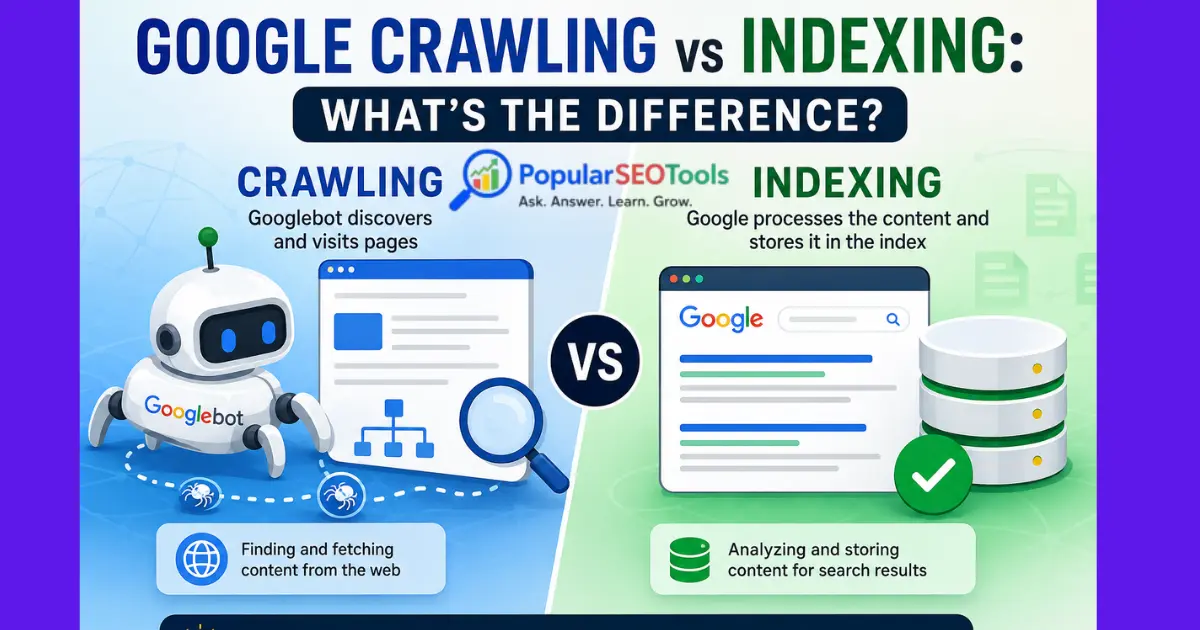
The act of discovering and fetching web pages Indexing: Processing and storing information about pages so that they may appear in Google Search results.
Knowing the distinction can help you troubleshoot typical issues like Discovered – currently not indexed, pages that Google has yet to crawl or URLs available to visitors but absent from search results.
What Is Google Crawling?
Google crawling is the process by which Google's bots find pages and head to their content. Typically, these robotic type crawlers are called Googlebot.
A link from a page Google already knows about, sitemap and other discovery mechanisms are how Google can discover a URL. When Googlebot wants to crawl a URL, it will make a request for the page in a manner similar to how a browser requests a web resource.
You get this page published, for example:
https://example.com/seo-guide
Google might find this URL from your XML sitemap, or you could link from another page. Googlebot will then try to visit the URL If users are able to see the page, and Google is permitted to crawl it, then Google's search engine will acquire its content for indexing.
What happens during crawling?
- Google discovers a URL.
- Googlebot requests the page.
- The server sends the response with a status like HTTP 200, 301, 404 or other status.
- Google collects freely-available resources that are necessary for the page to be comprehensible.
- Following that, the page can be analyzed for potential indexing.
- Crawling does NOT equal page indexed in Google Search.
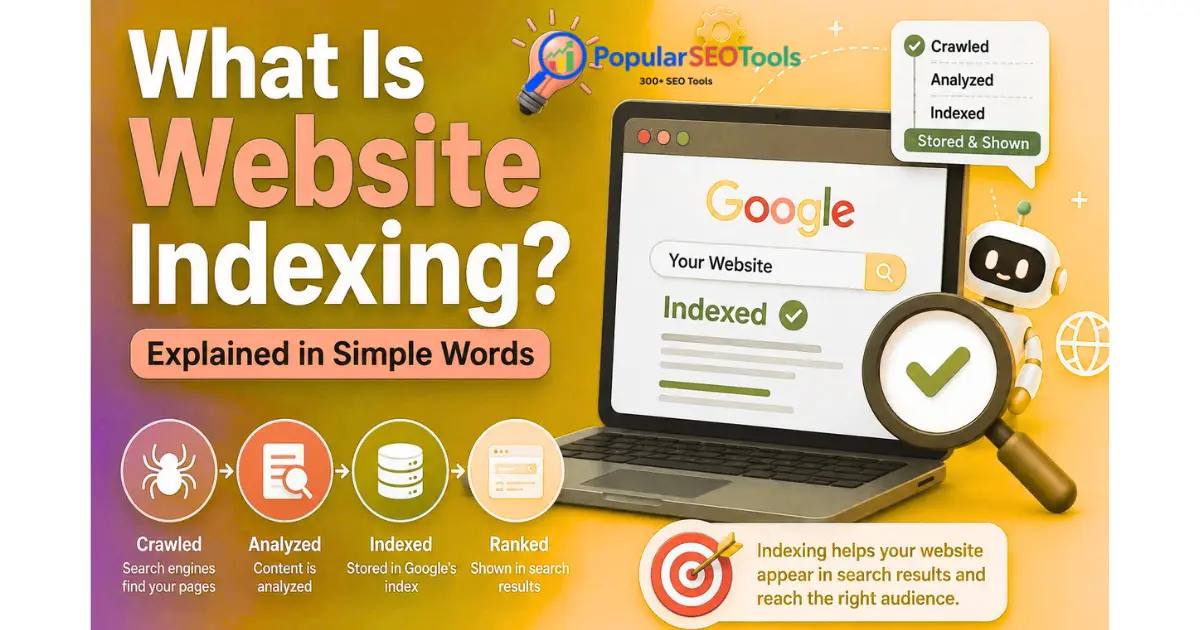
What Is Website Indexing?
Atrosss when google processes the information it has taken from a crawled page, website indexing occurs. Google reads the content of the page (and other things) to understand what it can learn from a URL and if it is potentially eligible for its search index.
Google's index can be thought of as a massive library that catalogs a variety of information about web pages. Google has an index that it uses to populate search results when someone searches for something.
So it is possible for a page to be crawled but not indexed.
See in the example that although Googlebot could crawl a blog post, it still will not show up on google. Crawling and indexing are two independent processes.
Google Crawling vs Indexing: The Key Difference
| Aspect | Crawling | Indexing |
|---|---|---|
| Meaning | Discovering and fetching web pages | Processing and storing information about pages |
| Main system involved | Googlebot | Google's indexing systems |
| Main question | Can Google access and retrieve this URL? | Can this page's information be included in Google's index? |
| Result | Google obtains the page and its accessible resources | The page may become available as a search result |
| Guarantee of search visibility? | No | No ranking guarantee |
Here is the most simple way to memorise it:
Crawling = Google finds the page and visits it.
Indexing = Google crawls the page and might add it to their search index.
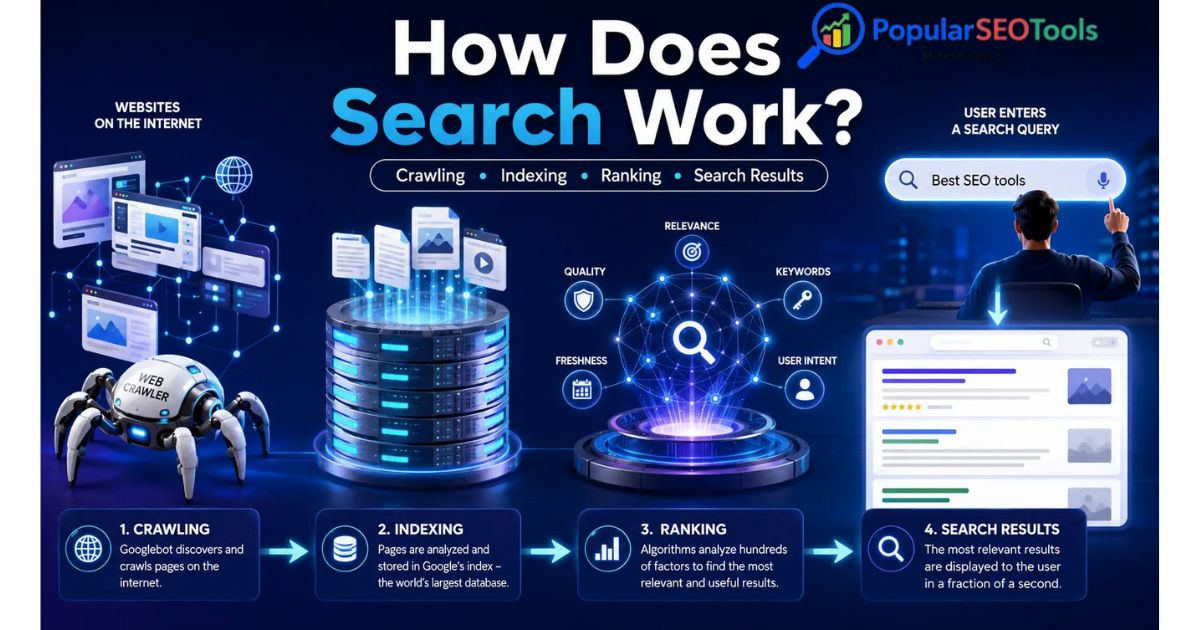
Google Crawling and Indexing: How the Two Work Together
Digging into the connection between crawling and indexing, however, they're not the same event.
- URL discovery: How Google discovers a URL.
- Crawling: Googlebot tries to visit the URL.
- Processing: Google matches the retrieved content with context from the page.
- Indexing decision: Google decides if the page can be added in its index.
- Search Results: You do consider a page for search (if it is indexed and relevant to a query).
This is also why simply submitting a URL or adding it to a sitemap does not immediately result in an appearance on Google.
Why can't a page be crawled but not indexed?
And one of those may be an issue which many SEO professionals try to troubleshoot: Google has crawled a page but the said page itself is not showing up in search results.
There are several possible reasons.
1. The page has a noindex directive
A page can ask search engines not to index it by using a noindex directive. Should you ever add one, even on purpose or by accident, Google can crawl the page but keep it out of index.
2. This page is very similar to this other URL.
Websites may contain more than one URL that contains very similar content. Google might choose one URL as canon, and you'll be choosing not to get every duplicate or nearby equivalent URL filed independently.
3. The only thing you do is paraphrase their already existing content
A URL being published does not make it useful as a search result. Pages that have little to no original content, high amounts of duplication or low-quality content may be filtered out from being indexed.
4. Technical signals create confusion
What Does That Mean for Google to Understand a URL: Canonicals, Redirects, Server Responses, Internal Linking Problems & Other Technical Setup Issues.
5. Indexing is not immediate
If a page is technically accessible and indexable, you should not assume that Google will or needs to index it immediately after publishing.
What Is the Reason That Google May Not Crawling a Page
If Google has never crawled a URL the issue is another one. Your data is either not available to Google yet, or it may be beyond the reach of patrols.
Common causes include:
- It lacks internal linking.
- Title XML Sitemap Does Not Include URL
- The site has crawling restrictions.
- Errors or unavailability response being returned from the server.
- The site contains a large number of URLs that should be crawled over time.
- The URL is hard for Google to find crawling through the structure of a site.
It is easier for both users and search engines to find important pages if they are surrounded by a good internal linking structure.
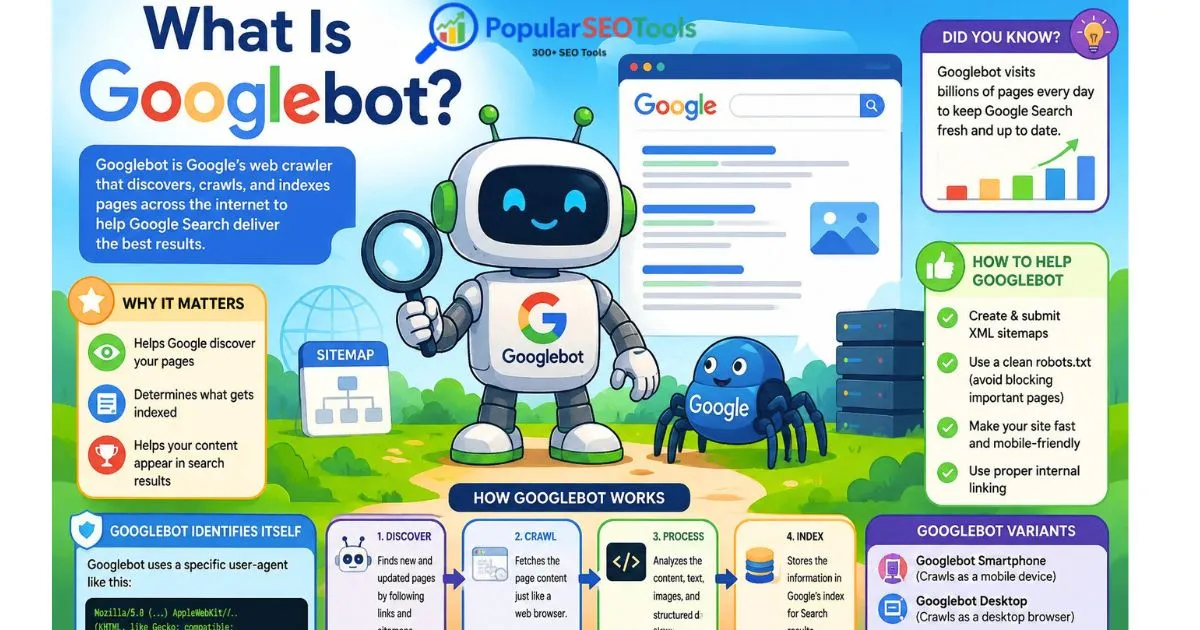
What Is Googlebot?
You may already be familiar with Googlebot, which is the name for Google web crawler. It fetches web pages so that Google's systems can process and understand them.
Google have separate crawling systems for different variations of content and guides. For webmasters, though, the key takeaway is that Googlebot should be able to access all of the resources necessary to parse a page.
This is why technical SEO is important. Your browser will render a page as it should be seen, but that can still conceal configuration issues with how search engines access or interpret that page.
How To Know Whether Google Crawled A Page
The easiest way to check a single URL is with Google Search Console's URL Inspection tool.
Type in the URL you want to investigate, and check what information Google gives you about its crawling and indexing status.
Depending on the URL, you might see things such as:
- Google knows about the URL.
- The URL has been crawled.
- Content is indexable.
- Google chose another canonical URL.
- It is unable to index due to a technical issue.
Other words: don «t confuse the URL Inspection result with a future ranking guarantee. Having a page indexed only means that it can be displayed in search, but not at what place.
How to Helping Google Discover Important Pages
1. Create useful internal links
Link related pages together naturally. So, for example, if someone is writing a guide to keyword research then you can link out to the website where there is a deeper tool of keyword research or tutorial on how to go about it.
2. Keep your XML sitemap accurate
We understand that sitemap should have URLs where you want search engines to crawl and index. Do not consider the sitemap as a list of all the URLs your site has ever created.
3. Check robots.txt carefully
Your robots. A robot. txt file can offer crawling directions. A misconfigured rule can lead to Googlebot being blocked from discovering URLs you wanted crawled.
4. Fix server and URL errors
Keep an eye out for issues like broken internal links, erratic redirections, server errors and URL variations (e.g.
5. Improve the page itself
Technical accessibility is just piece of the puzzle. Ensure that prominent pages have genuine, useful information geared toward more clearly serving the intent of the visitor who accesses it.
Does having a sitemap means adding a page will index?
No.
While an XML sitemap assists search engines with discovering URLs, being listed in the sitemap does not guarantee crawling, indexing or ranking.
A sitemap does its best work when it provides an accurate list of the important URLs on your site, along with a model for how search engines might want to crawl through those pages in order — that they should come to better understand your website.
Is there a Difference Between Crawl and Index?
No. Keeps this in mind second most important take away about crawling vs indexing.
Google may crawl a page but chooses to not index it in their search results. On the other hand, a URL that has crawled unsuccessfully cannot be completely assessed based on what's on the current page.
Your Search Console report may indicate a page crawled but not indexed, in which case you should look at the indexing-related signals instead of jumping to conclusions that Googlebot can't reach this URL.
Common Mistakes Website Owners Make
Mistake 1: Assuming Publication-Ranking = Indexing-Publication
Publishing an article shows it on your server. It does not automatically imply that Google has found, crawled, processed and indexed it.
Mistake 2: Believing that the sitemap is a cure for all indexing ailments
A sitemap is useful for discovery, but it will not fix bad content, canonicals pointing in the wrong direction, noindex directives and errors that prevent a page from being crawled.
Mistake 3: Blocking Key Resources When They Aren't Needed
Crawling rules that are too blocking can prevent search engines from hitting the resources they need to render pages.
Mistake 4: A bunch of urls with nothing useful on any of them
Extra added functionality such as tags, filters, search pages and parameters on big websites sometimes ends up generating unique URLs automatically. Having more URLs does not equal better search visibility
Error 5: Seeing simply if a URL is indexed
Indexing is just a small part of technical SEO. A full diagnosis should also take into account crawlability, canonicalization, redirects, status codes, internal links part in use the area and and search intent matching.
Troubleshooting Checklist for Crawling and Indexing
- Confirm that the HTTP status returned is what you expect for the given URL.
- Prevent pages that are critical to your success from being accidentally disallowed.
- Look for an unwanted noindex directive.
- Review the canonical URL.
- Ensure essential pages are interlinked
- Keep the XML sitemap current.
- Check URL in Google Search Console.
- Search for redirect chains or bad redirects.
- Assess whether the page has value of its own or is just repeating data which can be found in other pages.
- Allow Google to have an opportunity to process, rather than changun the URL over and over.
Differences Between Crawling, Indexing, and Ranking
All three of these terms are commonly used by themselves, but describe different stages.
There is crawling and that is about finding content.
Indexing is the process of analyzing the data about a page potentially making it part of Google's index.
Ranking has to do with the order of search results for a specific query.
A useful mental model is:
Crawl > Process > Index > Search visibility at the end
There is no certainty that every URL under discovery, will make it all the way through each stage. Likewise, having an index is no ticket to high ranks.
The Significance of This Difference for SEO
That the difference helps in fixing SEO problems much more accurately.
Let us assume you publish 20 articles and none of them show up in the Google. That first question should NOT be, “Why are they not ranking right now? What you first need to do is see if Google has found crawled them and indexed them.
If Google can not crawl the pages, then you need to investigate crawlability. For example, if Google has seen them crawl but not index and audit the most common indexing signals such as page contentation. If the pages receive no search traffic but are indexed, there may be an issue with relevance, search demand, competition, content quality or other ranking factors.
Separating these allows us to stop website owners from applying an incorrect solution to the wrong problem.
How PopularSEOTools Can Help
Because website owners & digital marketers, technically check systematically on data from search-engine processes till October 2023. PopularSEOTools can be also used along with Google Search Console to check and analyze SEO aspects of a website.
You can explore problems with URL analysis, SEO checks, tools related to links and keywords or use site diagnostics. Base your conclusions on results in conjunction with other data, and whenever possible, confirm core indexing decisions directly within Google Search Console.
Frequently Asked Questions
Crawling vs. Indexing: Are they the same?
Crawling means Googlebot visits and fetches a URL. Indexation is the next step and involves processing information about that page for possible inclusion in Google search index.
Can a page be indexed by Google without crawling?
Indexing the page is a vehicle to know about what the particular page holds and Google has to have more than just that to crawl it, so treat indexing as an ancillary event for crawling page content. Now,with those URLs,given a URL before Google has ever fetched it (which is different than crawlingthe page successfully) Google might actually know something about it already.
How long to crawl a new page google?
There is not one unbeatable timeline. Crawling will be driven by google's systems, the site and the specific URL. Just because a page is added to the sitemap doesn't mean it will show up right away; it's just been indexed and only now you can see it there.
Why is my page being crawled but not indexed?
There are various possible reasons for this: such as indexing directives, canonicalization, duplicate or near-duplicate content; technical signals but also Google's decision whether or not the page should be indexed. More specifics can be gleaned from the URL Inspection in search console.
Does robots. txt control indexing?
Robots. txt primarily provides crawling instructions. This should not be seen as the general mechanism for un-indexing a page in Google. Depending on what indexing control you need, make those using standard meta robots directives and know how they deal with crawling.
I request indexing, will Google index my page?
No. A request lets Google know that you would like a particular URL crawled, but it does not guarantee crawling or indexing job in any manner.
Should I include every single page of my website in the XML sitemap?
Not necessarily. You are wired on the URLs that they want a search engine to find (and care about). NOTE: Dynamic URLs that you generate, duplicate URLs that can overlap pages of indre functionality and pages which are explicitly not desired to be indexed should usually NOT belong in your priority sitemap.
Conclusion
Once broken apart, crawling vs indexing the difference is clear. Google crawling is the stage of discovery and retrieval, while indexing is when google crawls your page and decides whether your information will be stored on its search engine index in the future.
If a page is invisible to Google, the first step is checking where in the process this breakdown is happening: discovery, crawl, index or visibility time. You will need to check the URL in Google Search Console, look over technical signals, keep helpful internal links pointing correctly, have an up-to-date sitemap and verify that the page offers valuable content.
For additional analysis you can also check useful SEO and website-checking tools on PopularSEOTools using Google own webmaster tools.
Popular Tools
Recent Posts