

Word to HTML




This is how the content of most web pages are written in Microsoft Word. But there is some formatting in Word documents that doesn't mesh so smoothly with websites. With our Word to HTML tool, it takes just seconds to convert your Word document into clean HTML code suitable for the web.
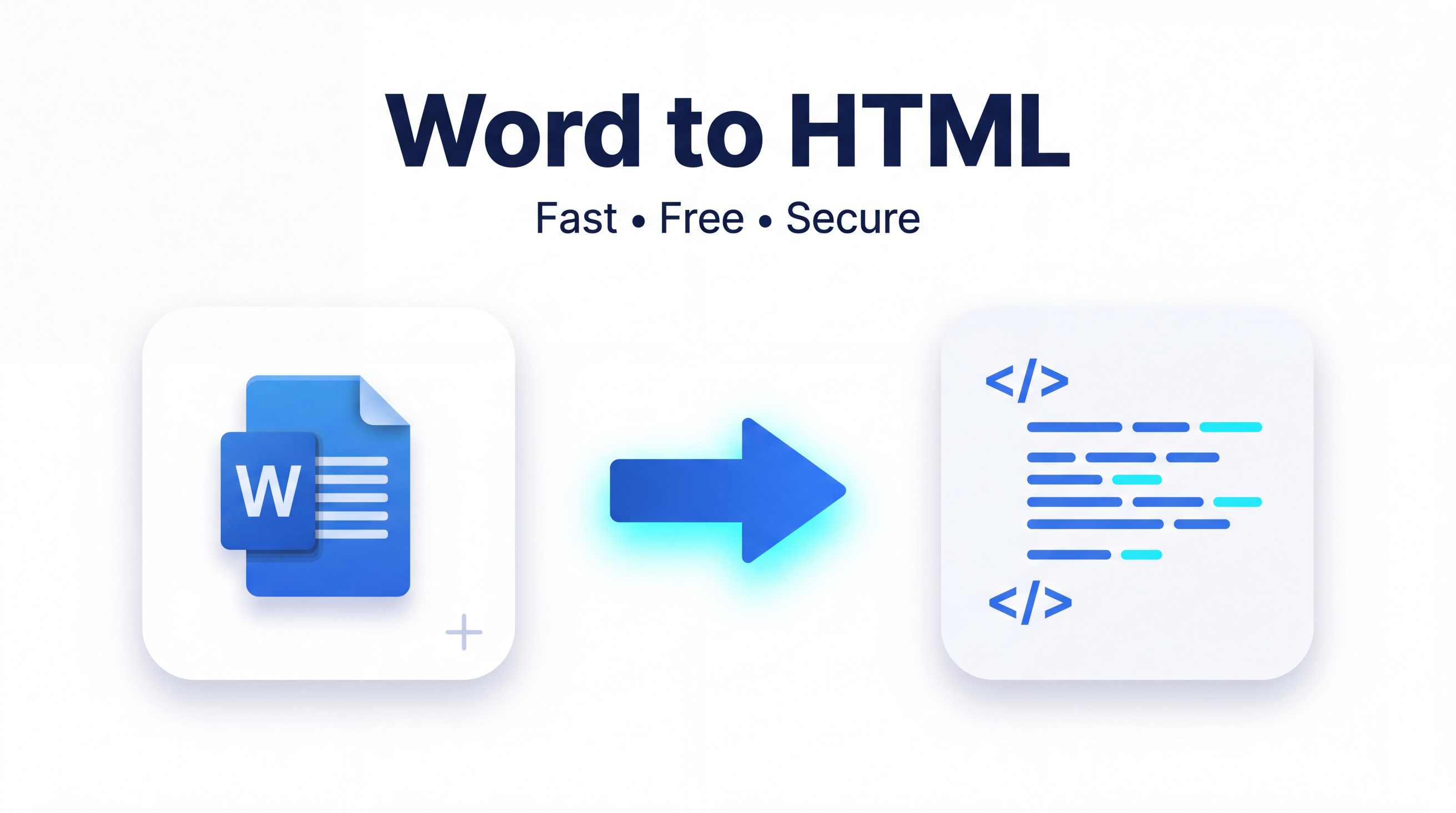
This converter tool help blogger, web developers, students, teacher and business owners to convert documents without re-formatting. The advantage is that instead of wasting time with editing HTML you can quickly export HTML from Word and use it directly on your website, blog or content management system.
What is Word to HTML?
The online Word to HTML tool is a converter that takes content from Microsoft Word documents and converts it into HTML code, keeping important formats like headings, paragraphs, lists, links and basic text styles. This allows users to create web-ready content with no coding experience.
This tool gives you a reliable and quick option if you want some HTML from Word. Just Upload or Paste your Word content, and the converter auto-generates easy-to-copy-and-use HTML.
Main Features
- Migrate Word documents to neat HTML
- Retain headings, paragraphs and Bold Italics List.
- Generate web-ready HTML in seconds.
- Easy UX for both newbies and writers.
- Compatible with desktop, tablet and mobile devices.
- No software installation required.
- Completely free to use.
How to Use Word to HTML
The conversion of your document is fast and hassle free. Just follow these simple steps:
- Open the Word to HTML tool.
- Paste the content of your Word document directly into the editor or upload the document.
- Click the Convert button.
- Here, you will see a process for some minutes to generate HTML using this tool.
- Paste HTML code or download your output for you site or project.
It is a matter of seconds and thus works brilliantly with big as well as small documents.
Advantages of utilizing Word to HTML
Save Time
It takes long to write HTML by hand (you can also use wysiwyg html editors). With this converter, you can just write your content and automatically create HTML never having to code.
Accurate Conversion
The tool retains the majority of typical formatting in your Word file so that you do not need to make a bunch of post-conversion edits.
Free Access
You gain access to the converter whenever you need it, there are no subscription fees or spending money for expensive software.
Easy to Use
It's a very basic interface here that works well for new users and students as well as bloggers, content producers, and even pro web developers.
Better Web Publishing
Documents to HTML makes it simple for publishing articles, tutorials, documentation, newsletters and business content online.
Why Choose Our Word to HTML?
This means you would stop wasting your time looking for all the online converters, which are very simply and quickly converted but our tool is built to get you a fully operational file with a few simple steps as well.
Fast Conversion
Our converter shortens your document processing time, so you can enjoy HTML without an unnecessary wait.
Secure Processing
Your files and content are processed privately. Your privacy is important, and we never ask for information you don't need to provide.
Mobile Friendly
Use the converter on your phone, tablet, laptop or desktop computer. Your responsive design is working like dream on multiple devices.
No Registration Required
No account is created and no sign up is needed. You open the tool, convert a doc and boom you can download or copy the HTML directly.
Clean and User-Friendly
We created the interface so that users can convert and complete conversion, with as few clicks as possible, to make it a simple and easy-peasy process.
Frequently Asked Questions (FAQ)
1. What is Word to HTML Converter ?
A Word to HTML converter is a tool that converts Microsoft Word documents into HTML code, which can be used in web pages and applications.
2. The Tool formatted my text thus, "The tool maintains its formatting?"
Yes. This tool keeps Headings, Paragraphs, Lists, Bold text, Italic text and Links (If any) whenever possible.
3. Can I add this generated HTML to my web page?
Absolutely. Copy the generated HTML and input it into your web site, blog, or content management system.
4. Is this convertible Word to HTML tool free?
Yes. The use of the converter is entirely free, with no hidden costs or subscriptions required.
5. Is this tool available to use on the mobile?
Yes. An entirely mobile-friendly gem, the tool works flawlessly on smartphones, tablets, laptops and desktop browsers.
Conclusion
Turning documents into web-ready code has never been so easy. The Word to HTML converter is an easy and quick way to convert your Word documents into clean usable HTML without requiring technical knowledge. This free online tool is there to convert your documents from Word right into HTML with no limits regardless if you need it for a blog, business website, or personal projects. So do it today and in just a few clicks you can take control of your document-to-web workflow.

