
HTML to PDF


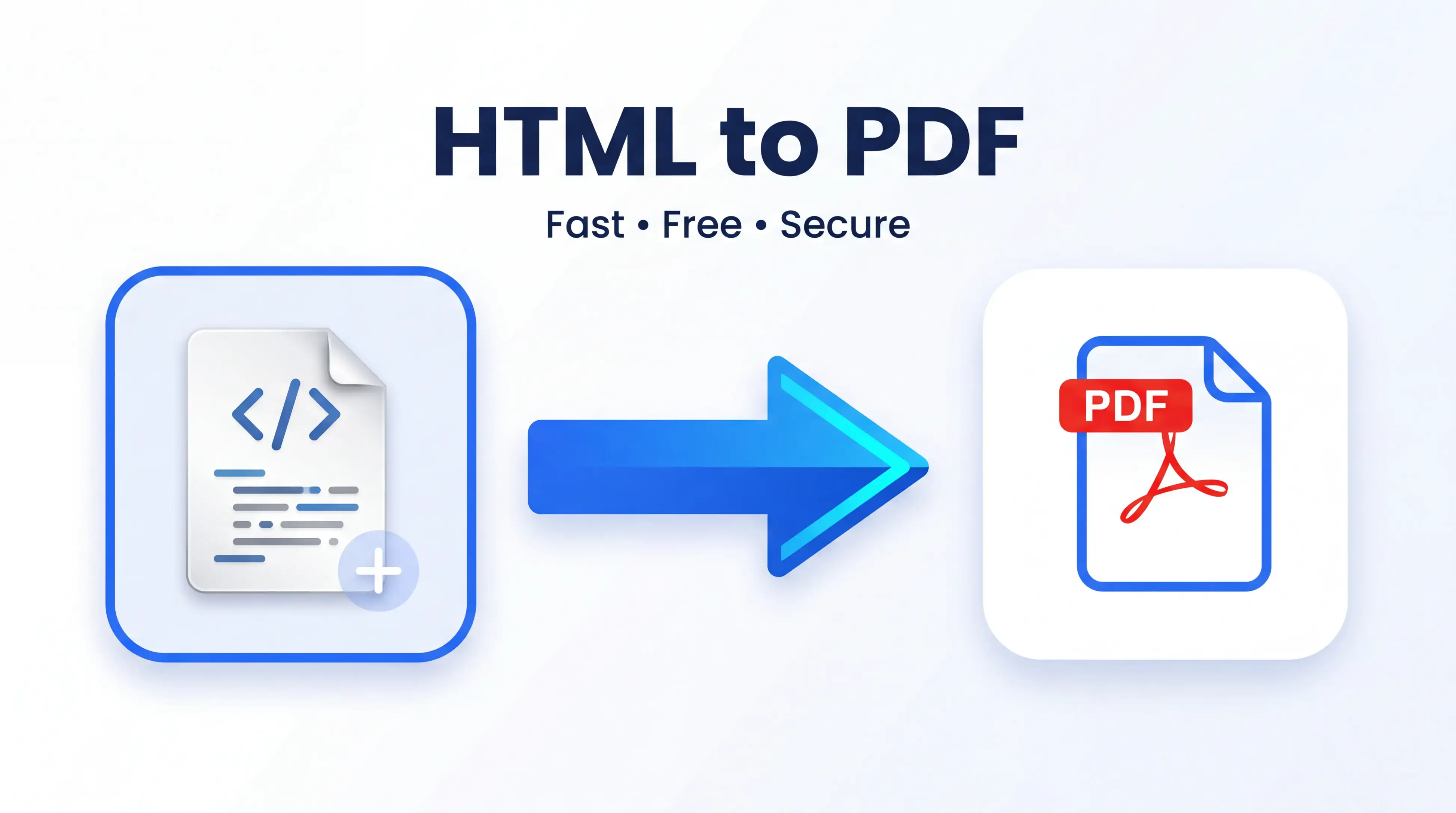
Want a fast way to turn your HTML code, or any web page into a PDF? With our HTML to PDF tool, you can do this quickly, easily and online. Web developers, students to business professionals and designers — you can create high quality PDF files from HTML without installation.
PDF FILES You will notice that PDF files are like an universally accepted format, since they maintain the same formatting on all devices without modification through institutions or instructions. With our utility, Exporting HTML to PDF files for shareability, printability, archiving and presenting. This solution works directly in your browser so you can use it on any desktop and mobile device.
What is HTML to PDF?
HTML to PDFis a free online converter that converts HTML code or HTML documents into stunning & professional PDF files. Unlike printing manually web pages or using some clumsy software, it converts your content keeping all layout, text and formatting intact.
With a full (HTML file or whole webpage) our converter generates a clean PDF in just 2 clicks!
Key Featurse
- Online products → URL to PDF Convert HTML files to PDF formatted docs instantly
- Maintain the formatting of text and page layout
- High-quality PDF output
- Compatible with Windows, Mac, Android and iPhone
- No software installation required
- Free to use anytime
- Safe and secure file processing
How to Use HTML to PDF
It only takes a few seconds to convert your HTML file.
- Open the HTML to PDF tool.
- Select or Upload your HTML file Paste in the pane to convert your HTML.
- Click the Convert button.
- Take a few seconds to let the tool process your file.
- Download Your New PDF File
This whole procedure will take just a couple of seconds while no technical knowledge is required for you to Export HTML to PDF.
Benefits of Using HTML to PDF
Save Time
Turn HTML files into PDF in seconds, without clunky desktop software
Maintain Accuracy
The tool is able to preserve the original structure, formatting, headings, and text which are essential for professional-looking PDFs.
Completely Free
No need to subscribe or buy high-cost software; you can use the converter for free.
Easy for Everyone
It is a simple interface which novice and expert user can use to convert files without learning curve.
Works Anywhere
Since it is a web-based tool, you can convert HTML files from your laptop, tablet phone or any other smart-phone.
Perfect for Multiple Uses
Whether it is a report, an invoice, documentation, a presentation or even a project file, educational materials such as ebooks or lecture notes; business records and the like — PDFs are everywhere.
Why Choose Our HTML to PDF?
Fast Conversion
We built a powerful converter to convert files in the fastest possible time so that you can get your work done quickly.
Secure Processing
We process your files securely and don not keep them longer than necessary which guarantees your privacy.
Mobile Friendly
Its responsive design will ease the conversion of the files from Android mobile phones, iPhones, tablets and desktop computers.
No Registration Required
The usage does not require creating a new account or sharing any details about yourself. You upload your file, convert it and get your PDF.
High-Quality Results
Your new PDF is fully readable and results in great-looking documents that are fine to share or print.
User-Friendly Interface
On this note, everything has been created to make it as easy as possible and at no point are you required to rely on technical experience with using the tool.
Frequently Asked Questions (FAQ)
Is the HTML to PDF tool free?
Yes. Our HTML to PDF converter is free without any hidden charges.
Can I Export HTML to PDF on Mobile?
Absolutely. It is a tool that runs on smartphones, tablets, laptops and desktop computers via any up-to-date web browser.
Will the HTML formatting be preserved by the PDF?
Yes. The layout, text structure and formatting of the document is preserved to the greatest possible extent by this converter.
Can I have any software installation?
No, it works directly in your browser and no downloads or installation is required.
Are my uploaded files secure?
Yes. We respect your privacy and secure process your files. You are not retaining files any longer after they have been converted.
Conclusion
Here is the fast and easy way to convert HTML files into professional PDF documents using our secure and reliable HTML to PDF tool. Importing HTML to PDF is necessary for working, school, or personal projects; use this free online converter. Want to give it a try?Download for free and create professional standard PDFs in three clicks today.

