
JPG to PDF
JPG to PDF is a free online app that allows you turn one or several JPG images into high-quality PDF documents in just a few clicks. It enables the user to easily create a PDF from any kind of scanned images (like photos, receipts or certificate) quickly and effortlessly.
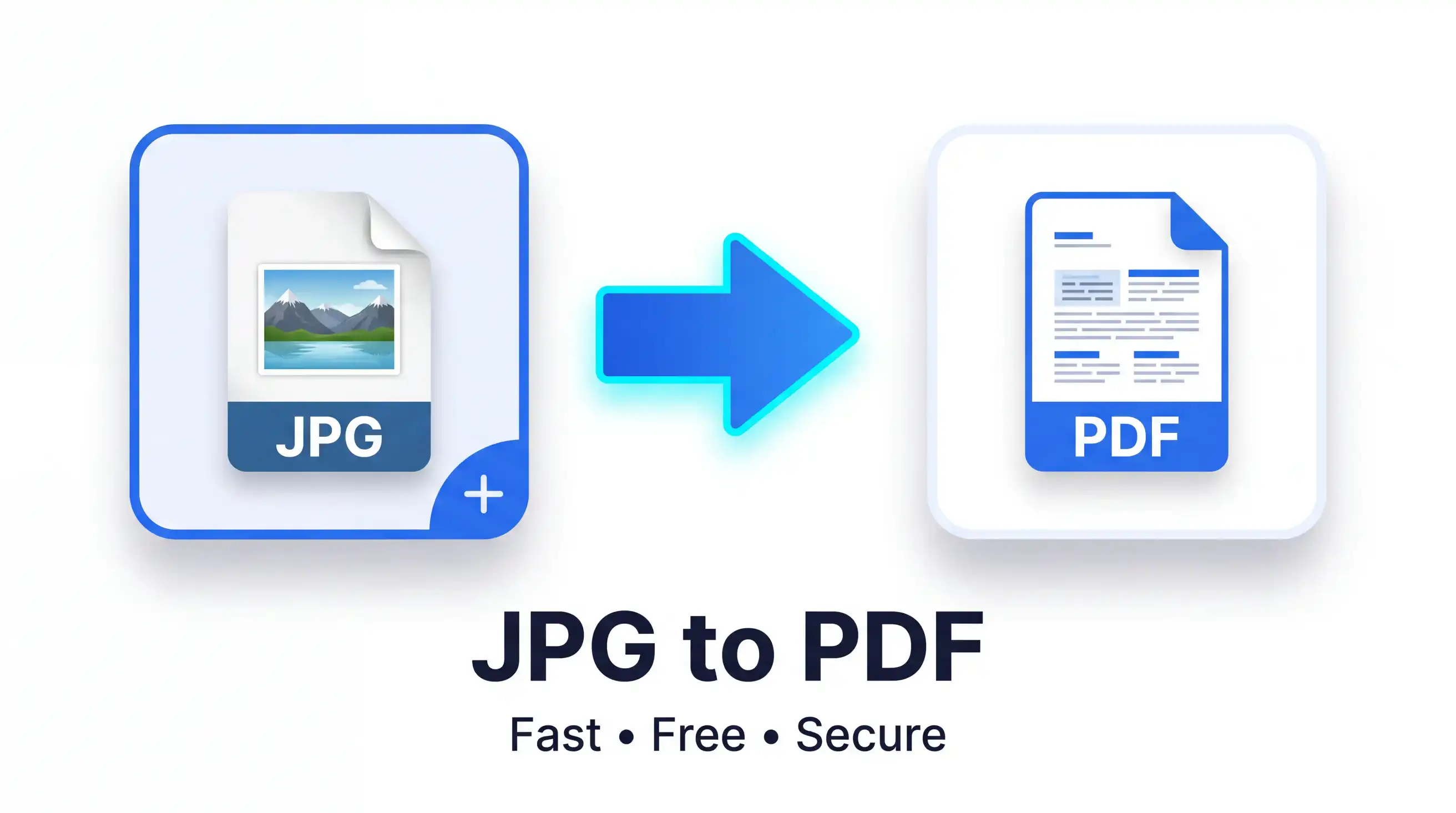
A lot of people require PDFs for professional, educational, commercial, or even personal purposes as PDF files are easily sharable and have the same appearance on any device. Sending multiple image files where you can combine them into a single organized PDF rather than sending all separately. Our JPG to PDF tool format saves you time, while maintaining clarity and professionalism in your images.
What is JPG to PDF?
JPG to PDF Is an online conversion tool that converts JPG image files into a single PDF document without compressing the quality of images. It runs directly in your browser, meaning no software to install and no account needed.
The utility gathers together for a single image or multiple images, and it organizes them neatly into a PDF that can be downloaded or shared.
Key Features
- Turn one or more JPG images into PDF
- Maintain excellent image quality
- Fast online conversion
- Responsive on desktop, tablet and mobile
- Secure file processing
- No software installation required
- Easy drag-and-drop upload
- Free to use anytime
This tool is aimed at Students who need to submit assignment, professionals who want to share their report with clients, Photographers handling images and all those wanted Convert Photo to PDF in no time.
How to Use JPG to PDF
You can convert your photos, and it takes only a few moment.
Follow These Steps:
- Click on the Upload button and select your JPG images.
- If you want, rearrange the images in the order you prefer.
- Click the Convert to PDF button
- Give the tool a chance to generate your PDF in just a few seconds.
- Get your complete PDF file downloaded on your device.
No technical knowledge is required. The whole process is quick and simple, even for beginners.
Benefits of Using JPG to PDF
For personal or professional users, converting JPG to PDF online has so many benefits.
Save Time
It takes only seconds to combine images into a single PDF file instead of messing around with cumbersome software.
High Accuracy
Keep Your Images Crisp, Clear and Organized: All your images stay organized, sharpiness or clarity of the image does not decrease during conversion.
Free Access
Our online converter is free. This file conversion can be done anytime as per your requirement.
Easy to Use
The conversion process is straightforward, thanks to a clean interface ideal for all expert users.
Better File Sharing
Rather than sending multiple image files, you can send a single PDF that is relatively easier to open, print and store.
Perfect for Many Uses
Create PDF files for:
School assignments
Office documents
Business reports
Photo collections
Receipts and invoices
Identity documents
Scanned paperwork
Why Choose Our JPG to PDF?
We know there are many converters online, but quick and easy without security — just not for us.
Fast Conversion
We process your images in seconds, and you can download your PDF within seconds.
Secure Processing
We take your privacy very seriously, and we handle your uploaded files securely by deleting them automatically once processing is finished (so you probably wanna download the converted file fairly quickly).
Mobile Friendly
No app install needed, just use the converter on your smartphones, tablets, laptop or desktop computers.
No Registration Required
It does not require subscribing or creating an account. You just upload your files, convert it and download the PDF.
High-Quality Output
The PDF that has been generated retains the quality of your original JPG images so you can view printed materials clearly.
Works in Any Browser
Our Photo to PDF converter is compatible with all current web browsers, meaning you can use it from nearly any device.
Frequently Asked Questions (FAQ)
Is this JPG to PDF tool free?
Yes. You can either search and convert JPG on the internet for free, without paying any fees to anyone.
How to create one PDF from many JPGs?
Yes. You can upload images and merge them into a single PDF (multiple images in PDF).
Is it going to reduce the quality of my photograph?
No. The converter will be capable of keeping a good image quality in the conversion process.
Is this tool mobile-compatible?
Absolutely. It is compatible with Android phones, iPhones, tablets and Desktop computers.
Are my uploaded files secure?
Yes. The files you upload are processed on a secure machine, and uploaded information is deleted after conversion automatically.
Conclusion
You can quickly and securely convert your images into professional PDF documents with our JPG to PDF tool. Whether you want to convert to PDF for school, work, business, or personal use, this free online converter helps your accomplish anything quickly. Use our Photo to PDF converter now and easily convert your JPG precious memories in minutes into a high-resolution PDF.

