
Excel to PDF

Excel to PDF is a free web application that allows you to quickly and easily convert your Excel spreadsheets into professional-quality PDFs in only a few clicks. When you need to share or print invoices, reports, financial data, schedules and business documents orginally saved as Excel spreadsheet, converting an Excel file in PDF will help keep the formatting intact.
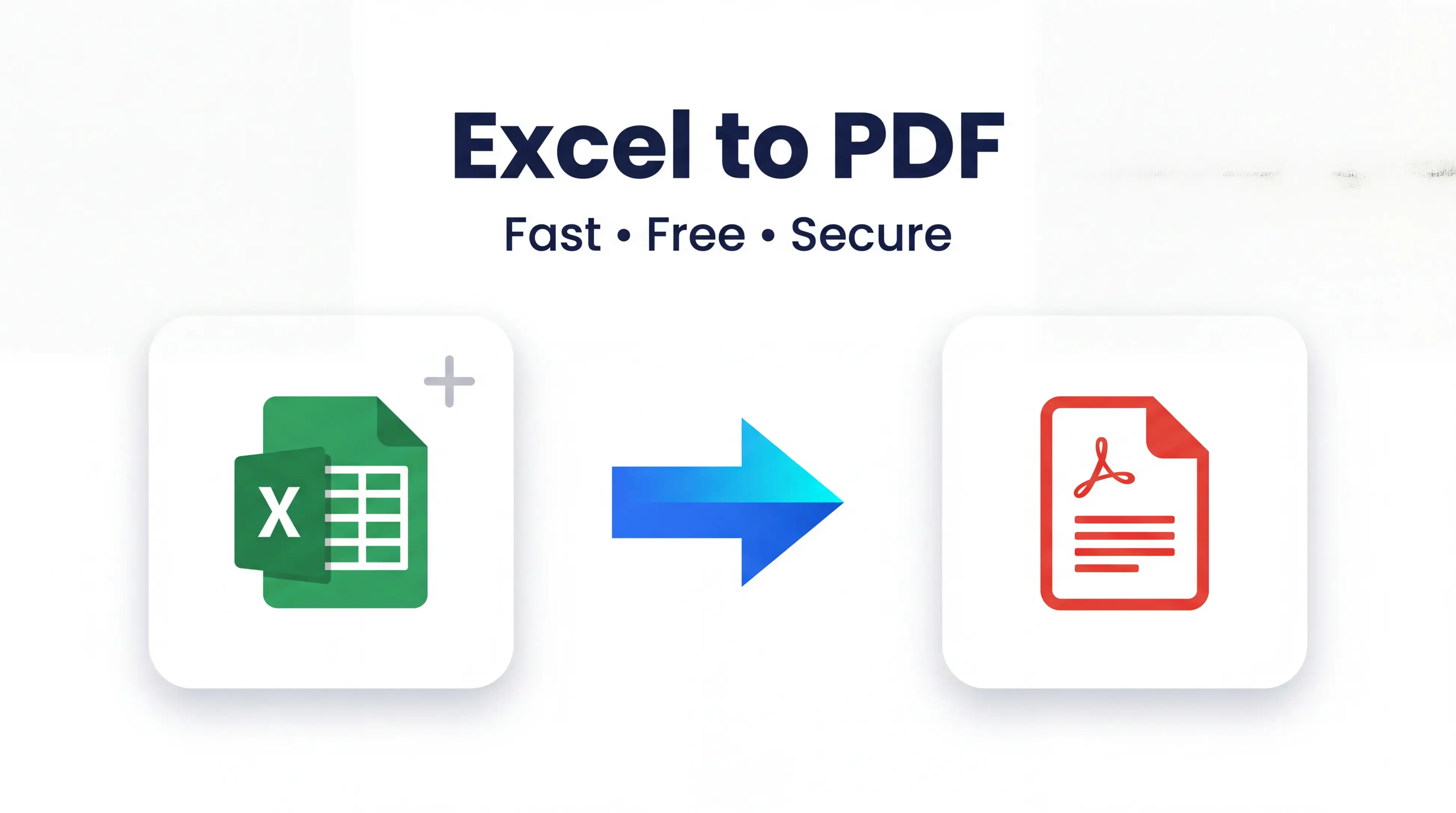
Spreadsheets are something most people work with daily, but MS Excel is not installed on every machine. PDF presentation format PDF is one of the most widely accepted formats where virtually all devices can open them, thus PDF it is indeed perfect for sharing critical documents. We have made a free tool which is totally secure and easy to quick convert Excel File in PDF.
What is Excel to PDF?
Excel to PDF is a document conversion site that converts Excel files (. XLS and. XLSX) to PDF while maintaining high accuracy of tables, text, charts and layouts.
This is handy for students, teachers, office workers, accountants, freelancers business professionals who need professional documents that can easily be shared and printed.
Key Features
Fast Conversion
Upload your Excel file and a PDF is generated within seconds.
Supports Multiple Excel Formats
This tool supports XLS files as well as XLSX formats.
Preserves Formatting
Plenty of tables, fonts, charts and layouts where everything is clear and nicely organized.
High-Quality PDF Output
Create professional PDF files Creation of high quality, professional PDF documents for business, education and personal purposes.
Works on Any Device
No software installation needed — Use on any computer, tablet or smartphone
How to Use Excel to PDF
It is very fast and easy to convert an Excel to PDF document.
- Open the Excel to PDF tool.
- Then click the Upload excel file button,
- Choose Your XLS or XLSX File
- Give a few seconds for the publication to process the file.
- If available, preview the PDF that has been converted.
- Simply download your brand new PDF file.
Depending on your file size, the whole process generally takes under a minute.
Advantages of Convert from Excel to PDF
Save Time
Not Mislead Now You Can Convert Your Spreadsheet Instantly On The Web In Just A Couple Of Clicks Without Installing Software Or Managing Complicated Settings
Maintain Accuracy
The tool preserves the data, tables and formatting in your spreadsheet and prevents your documents from looking sloppy.
Free Access
Utilize the converter whenever required without any subscription or hidden fees.
Easy to Use
The interface is clean, making it simple to convert conversion for both newbies and pros.
Better File Sharing
PDF is compatible with multiple OS and devices, so it makes collaboration easy.
Print-Ready Documents
PDF files will keep the same formatting, so your document is going to print how you expect it.
Why Choose Our Excel to PDF?
Although there are numerous tools available for conversion, our high excellence PDF file choice is specifically designed with the user in mind.
Fast Performance
Fast file conversion through advanced processing without the need for long waits.
Secure File Handling
Our system securely processes your files and ensures they are automatically deleted once converted.
Mobile Friendly
Transfer spreadsheets directly from an Android phone, iPhone, tablet, laptop or desktop computer.
No Registration Required
No registration is required. You just need to upload, convert and download your PDF.
Simple User Interface
No technical knowledge is required and anyone can use our design to convert Excel File into PDF very easily.
Reliable Results
Get quality PDFs every time for work, school or personal use.
Frequently Asked Questions (FAQ)
Free Excel to PDF Service?
Yes. Use our Excel to PDF converter free of charge with no hidden fees
What types of Excel files are supported
It is compatible with XLS and XLSX file formats, so it can be used with most Microsoft Excel documents.
If I have formats in my spreadsheet, does it stay same?
Yes. This converter is intended to retain tables, text processings, layouts and most formatting.
Can I use this tool on my mobile?
Absolutely. The tool is fully compatible with smartphones, tablets, laptops and desktop computers.
Are my uploaded files secure?
Yes. Files are processed securely, and uploaded documents will be deleted immediately after conversion to protect your privacy.
Conclusion
Conversion from excel to PDF is faster, secure and reliable with our very own Excel to PDF tool. From sharing reports to printing invoices, submitting assignments to archiving business records, this free online converter simplifies your work with its features. So give our converter for excel PDF a shot today and turn your Excel File to Pdf in just few simple steps.

