
ODT to PDF

Want to quickly and easily convert your OpenDocument Text file to a PDF? A fast, online and efficient solution with our ODT to PDF tool. No matter if you are creating documents for school, your office, reports or nevertheless business files, convert your ODT records into terrific PDF files in a few clicks.
People in the industry mainly prefer PDF files as they may preserve the initial formatting across all devices. No need to worry about fonts, layouts, compatibility issues — now you can easily make PDFs with our Free ODT to PDF Converter and share them, print them out as a professional-looking document or store them for later access.
What is ODT to PDF?
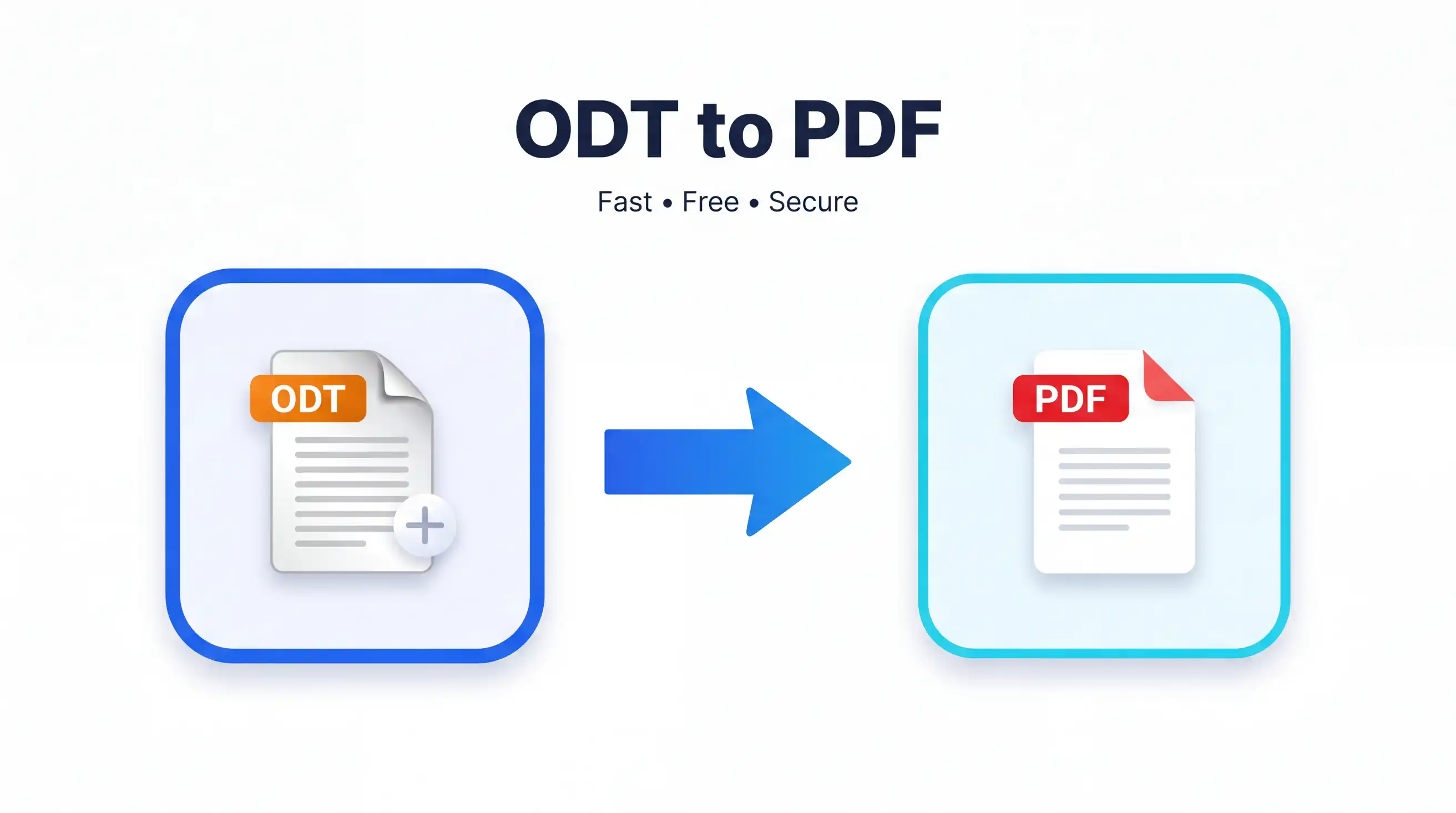
It converts one online document format to another which is available on its website called the ODT to PDF tool (online-odt-topdf). Does it allow you to convert Open Document Text (ODT) files to Portable Document Format (PDF)? pdf). Some of the most common ODT file creators are LibreOffice, Apache OpenOffice and other office suites. For editing, ODT will work for and, to share documents in the original layout PDF is preferable.
Our Converter is all about document conversion that even a kid can do it. There is no need to install software, no need to learn complex settings. Just upload your ODT file, let the tool work its magic, and download your new PDF.
Main Features
- Quickly convert your files to PDF from ODT
- Maintain Text Formatting and Document Layout
- High-quality PDF output
- Easy drag-and-drop upload
- Identifies For Windows,macOS, Linux, Android and iPhone.
- No software installation required
- Secure file processing
- Completely free to use
How to Use ODT to PDF
It is very simple and quick job to convert your document.
- Open the ODT to PDF tool.
- Once your ODT document is here, click Upload File or drag n drop it.
- Then just wait for a few seconds after file conversion is done!
- Preview the conversion if available.
- After converting, click Download PDF to download your converted document.
This whole process normally only takes a few seconds dependent on the size of the file in question.
Benefits of Using ODT to PDF
Save Time
Rather than installing desktop software, convert your document straight from your browser. Very quick process, only a few clicks required.
Accurate Document Conversion
Our converter retains the text, formatting, paragraphs, images of your document and its structure as much as possible to the original file.
Free Access
There are no traps with using the Free ODT to PDF Converter. Just convert docs whenever you have to, with no charge for high-end soft.
Easy to Use
And its interface is as simplified but well-suited for both neophyte and professional users. The task can be completed in minutes even if you have not converted documents before.
Better File Sharing
The PDF is compatible with virtually every computer, smartphone and tablet. This has made it much easier to share documents with colleagues, teachers, clients and friends.
Professional Output
Because PDF will look the same on any device, they are perfect for official documents including reports, invoices, resumes and presentations. Benefits of Using ODT to PDF
Save Time
Convert your document from the browser instead of downloading desktop software. It is a quick, few-click process.
Accurate Document Conversion
Our pdfmighty converter preserves your document's text, formatting, excerpts, images and overall structure very near equivalent to the original file.
Free Access
No hidden charges are applicable to the Free ODT to PDF Converter tool as it is free of cost to use. Convert documents as and when needed — without the expensive software.
Frequently Asked Questions (FAQ)
1. Is the ODT to PDF tool free?
Yes. You can change documents at no charge through our Free ODT to PDF Converter.
2. What will happen to my formatting of documents?
The converter will try to maintain the original formatting, fonts, images and layout as much as possible.
3. Can I use this tool with my phone?
Yes. It runs flawlessly on the Android, iPhone, iPad and desktop computers
4. Do I have to install any software?
A. The answer is no - everything works online in your web browser, so nothing to download or install at all.
5. Are my uploaded files secure?
Yes. So your files will be processed securely, and they will not stay on the server any longer than needed after conversion.
Conclusion
The simple and fast ODT to PDF converter does exactly that, allowing for the easy conversion of OpenDocument Text files into high-quality PDF documents. The tool, useful for sharing business reports; submitting assignments or crucial files to print and archiving is simple to use.
With our Free ODT to PDF converter you can have your ODT (OpenDocument Text) documents converted easily in just a few clicks and without the need of installing any additional software or registering an account.

